How long does setup take?
A couple of minutes on your first visit. After that, sessions take about four minutes.

Complete the $147 one-time checkout; your login arrives right after.
Apollo AISign in on a phone, tablet or computer. No download needed.
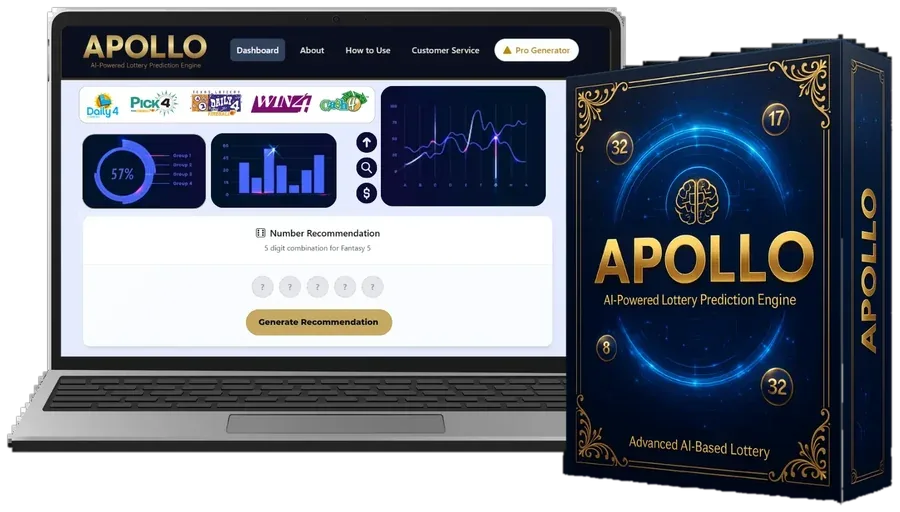
Apollo AIChoose your lottery, your state and how many numbers your game uses, then press Analyze.
The Draw Collector loads results and the Pattern Grader scores them.
Our dashboard glossary explains every term.
The Combination Builder gives you a full set to play within your budget.
A couple of minutes on your first visit. After that, sessions take about four minutes.
No. The screen has a game menu, a few charts and one main button.
Yes, tap Generate as often as you like. Each combination has the same chance in an official draw.
A single $147 payment unlocks the dashboard, every component and all future updates. Not a fit? You have 14 days to ask for your money back.